Guides
Supplier-tagged stock: make receiving easier before the truck arrives
Prepare item-level RFID tags and product mappings with your supplier, then use the receiving scan to review what arrived.
Receiving starts before a truck reaches the loading dock. If the supplier attaches compatible RFID tags to each item and shares the corresponding product data, your team can prepare the receiving workflow before the cartons arrive.
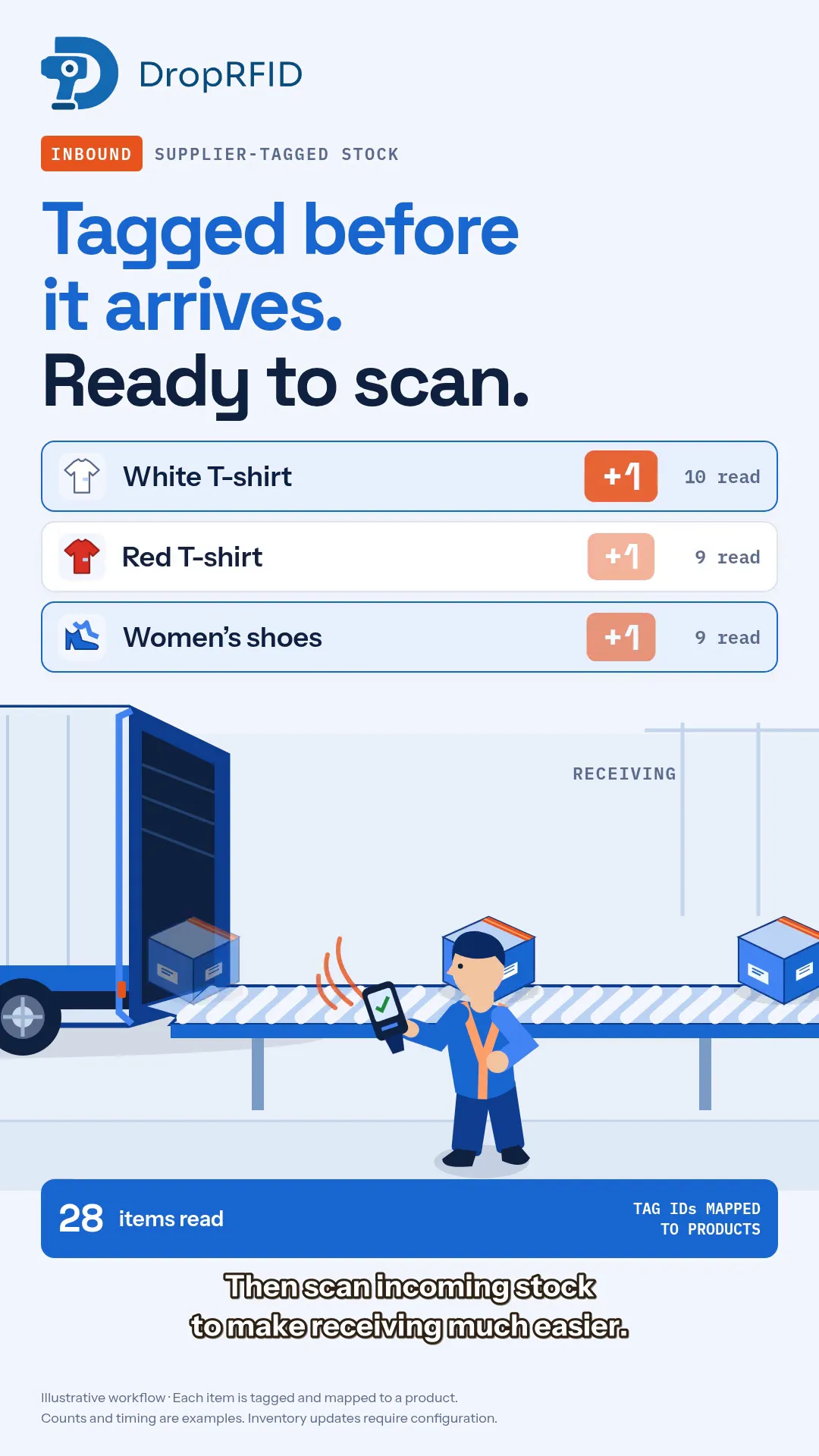
Our supplier-tagged inbound campaign follows that sequence: tag the items, map their identities, scan the delivery, and pass the completed result to a configured inventory integration.
Agree on what each tag identifies
A product SKU identifies a product or variant. An item-level RFID tag identifies one physical unit. A delivery containing several identical white T-shirts therefore needs a distinct tag identity for each shirt you intend to count individually.
Ask the supplier for the tag IDs and their matching product or variant references. Import those IDs and associate them with the correct products in DropRFID before receiving. A tag read becomes useful when the team can resolve it to the item they expected.
Start with a small delivery to check the mapping. Confirm that two sizes of the same shirt remain separate products and that each physical unit has its own identity.
Prepare a receiving check
Choose the products and quantities you expect, then decide where the scan will happen and how operators will review differences. Test the supplier’s actual tags and packing arrangement with your reader. A successful illustration is not evidence that every packed carton will read reliably in your warehouse.
During receiving, inspect the observed items against the delivery record. Follow up on missing items, unexpected products, and tag IDs that have no product mapping. A growing total alone does not tell you whether the delivery is correct.
Complete the scan before updating inventory
With an inventory integration configured, DropRFID can update the connected inventory system after the scan is complete. Agree on the destination and the intended update behavior as part of setup, then verify the result on a test delivery.
This keeps three steps clear: the reader observes tags, the team reviews the receiving result, and the configured integration handles the downstream update. Connecting a scanner alone does not configure that last step.
The campaign artwork is an illustrative workflow with sample counts. It assumes compatible tags on individual items and does not represent measured scan speed or a guaranteed read through every box.
Ready to try the sequence with one supplier? Use the getting-started guides or contact the team to discuss your tags, product data, and receiving process.