Guides
Before the Thanksgiving rush, give seasonal stock a reality check
Use a focused RFID stock check to compare seasonal items on hand with your records before receiving, picking, and replenishment get busy.
A shelf can look ready for Thanksgiving while the stock record tells a different story. Similar seasonal products sit together, display stock moves, and a box in the back room can be easy to overlook.
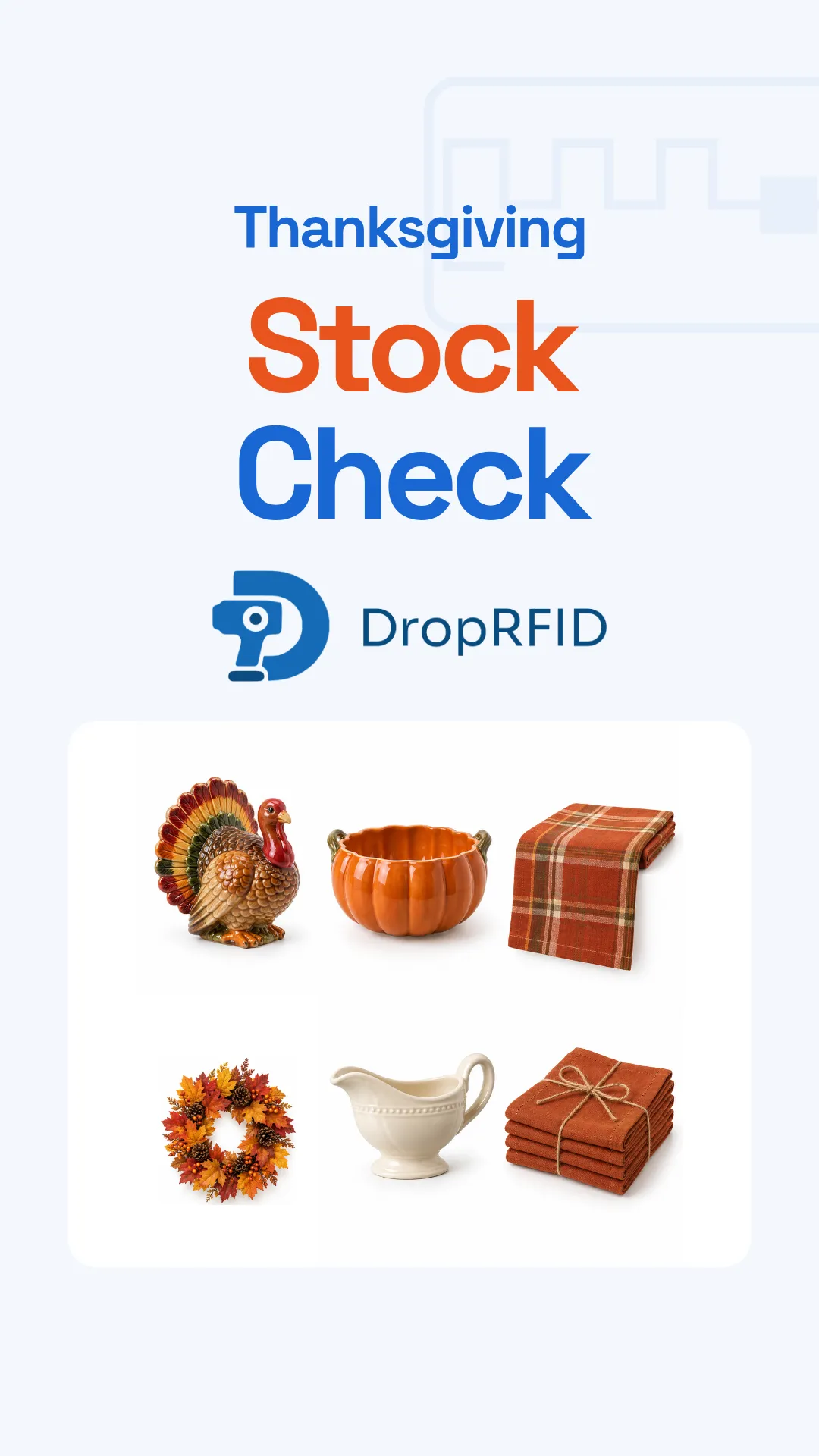
Our Thanksgiving stock-check campaign starts with a simple question: do your records match what is there? A focused scan gives the team an opportunity to investigate differences before the busiest receiving and picking days.
Pick a manageable section
Choose one seasonal display, shelf, or stockroom section. Define what belongs in the check and identify the product variants separately. A table runner and a set of napkins may share a pattern, but they should not become the same SKU.
For an item-level count, each unit needs its own compatible RFID tag associated with the correct product. Prepare those mappings before the stock check so the result is more useful than a list of unfamiliar tag IDs.
Keep track of stock moving into or out of the section while you work. That gives you a clear basis for comparing the scan with the inventory record.
Review the identities behind the total
Scan the tagged stock and inspect the products represented in the session. Compare the observed items with your expected record, paying attention to products that are missing, unexpected, or not yet mapped.
An unread tag needs investigation. Check the physical item, its tag, and the scan setup before treating the difference as a stock shortage. Likewise, check whether an unexpected read belongs to nearby stock outside the section you meant to count.
Record what you resolved and what still needs follow-up. A useful check leaves the next operator with a clear answer about the items reviewed, rather than just a larger number on a screen.
Use the result for the next decision
Once the differences are understood, use the reviewed record to plan replenishment or another targeted check. If your workflow sends results to another inventory system, confirm that the integration is configured and verify the update after completion.
The campaign shows the real DropRFID Android app with simulated RFID input and AI-generated sample product images. It demonstrates how seasonal items appear in the app; it is not a physical radio-frequency performance test or a measured labor-saving result.
Start with the DropRFID guides to prepare your catalog and scanner. When the season ends, container tracking offers a different way to keep a record of reusable decorations packed away for next year.